 Power Platform
27 min
Power Platform
27 min

Introduction
In today’s hybrid work environment, Virtual Desktop Infrastructure (VDI) has become a game-changer for businesses looking to enhance security, flexibility, and productivity. But choosing between Windows VDI (on-premise) and Cloud VDI (Azure Virtual Desktop, Windows 365) can be challenging.
As a Microsoft Solutions Partner, Cambay Solutions helps businesses deploy the right VDI solution tailored to their needs. In this comprehensive guide, we’ll compare:
✔ Windows VDI (On-Premise) – Control, customization, and legacy support
✔ Cloud VDI (Azure Virtual Desktop/Windows 365) – Scalability, ease of management, and cost efficiency
✔ Key decision factors – Security, cost, performance, and compliance
✔ How to choose the best fit for your business
By the end, you’ll have a clear roadmap to determine whether on-premise Windows VDI or cloud-hosted VDI is the right choice for your organization.
1. Understanding VDI: On-Premise vs. Cloud
What is Windows VDI (On-Premise)?
Windows VDI refers to hosting virtual desktops on local servers within your data center. This model gives IT teams full control over hardware, security, and configurations.
Best for:
- Businesses with existing data center investments
- Industries with strict compliance needs (healthcare, finance)
- Organizations needing high-performance applications (CAD, engineering)
What is Cloud VDI?
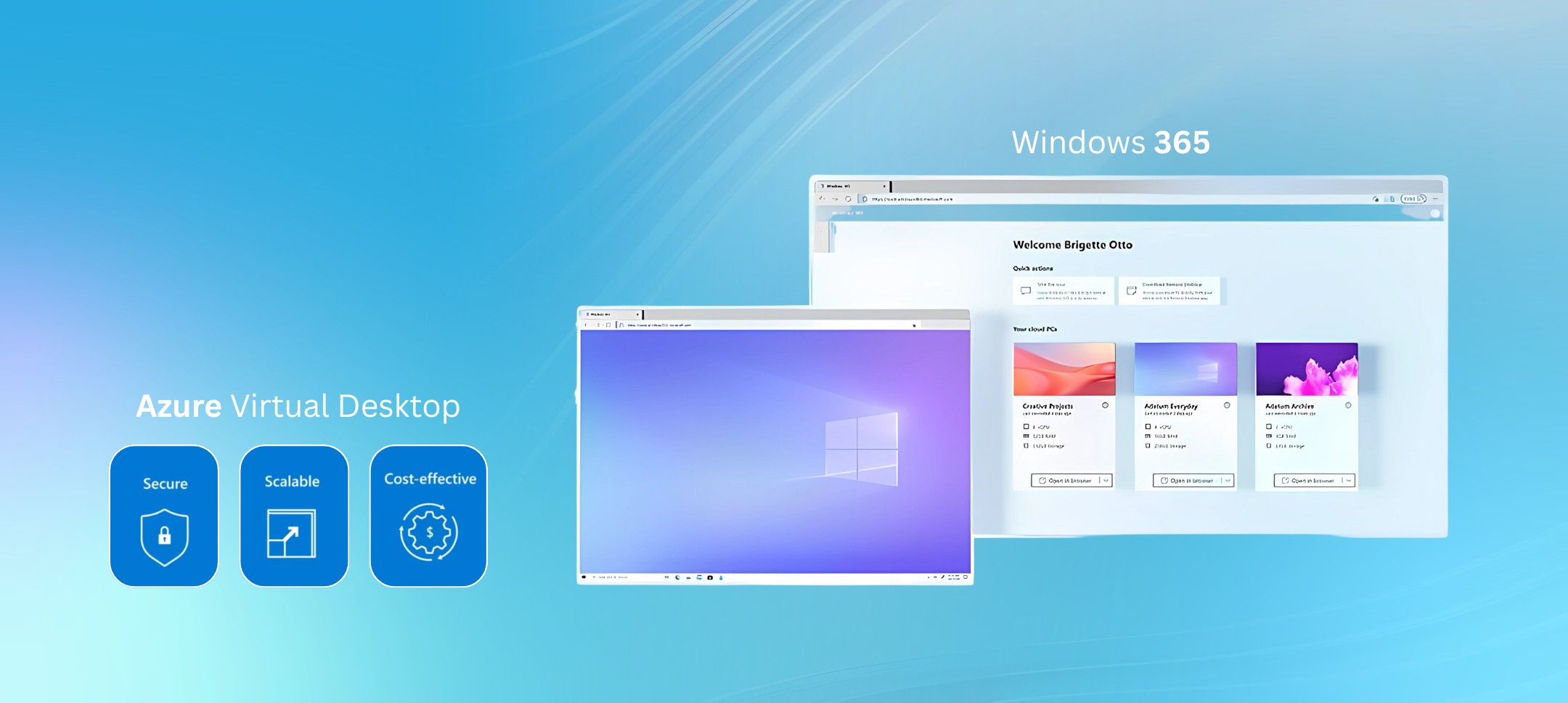
Cloud VDI (Azure Virtual Desktop/Windows 365) delivers virtual desktops via Microsoft’s cloud infrastructure, eliminating the need for on-site servers.
Best for:
- Companies wanting quick deployment & scalability
- Remote or hybrid workforces
- Businesses looking for predictable OpEx costs
2. Key Differences: Windows VDI vs. Cloud VDI
| Factor | Windows VDI (On-Premise) | Cloud VDI (Azure/Windows 365) |
| Deployment Speed | Weeks (hardware setup) | Days (cloud provisioning) |
| Upfront Costs | High (CapEx for servers) | Low (subscription-based) |
| Scalability | Manual (requires hardware) | Instant (auto-scaling) |
| Maintenance | IT team manages patches | Microsoft handles updates |
| Security | Full internal control | Microsoft’s enterprise-grade security |
| Performance | High (local GPU support) | Depends on internet speed |
| Disaster Recovery | Self-managed backups | Built-in Azure redundancy |
3. When to Choose Windows VDI (On-Premise)
✅ Ideal Use Cases
✔ Data Sovereignty Requirements – Industries like government, healthcare, and finance that must keep data on-premise.
✔ High-Performance Workloads – Engineers, designers, and developers needing GPU-powered virtual workstations.
✔ Existing Data Center Investments – Companies with server infrastructure looking to maximize ROI.
⚠ Challenges
- Higher upfront costs (servers, storage, networking)
- Longer deployment time (weeks vs. days)
- IT overhead (manual updates, troubleshooting)
🔧 How Cambay Solutions Implements On-Premise VDI
We help businesses deploy Microsoft VDI on-premise with:
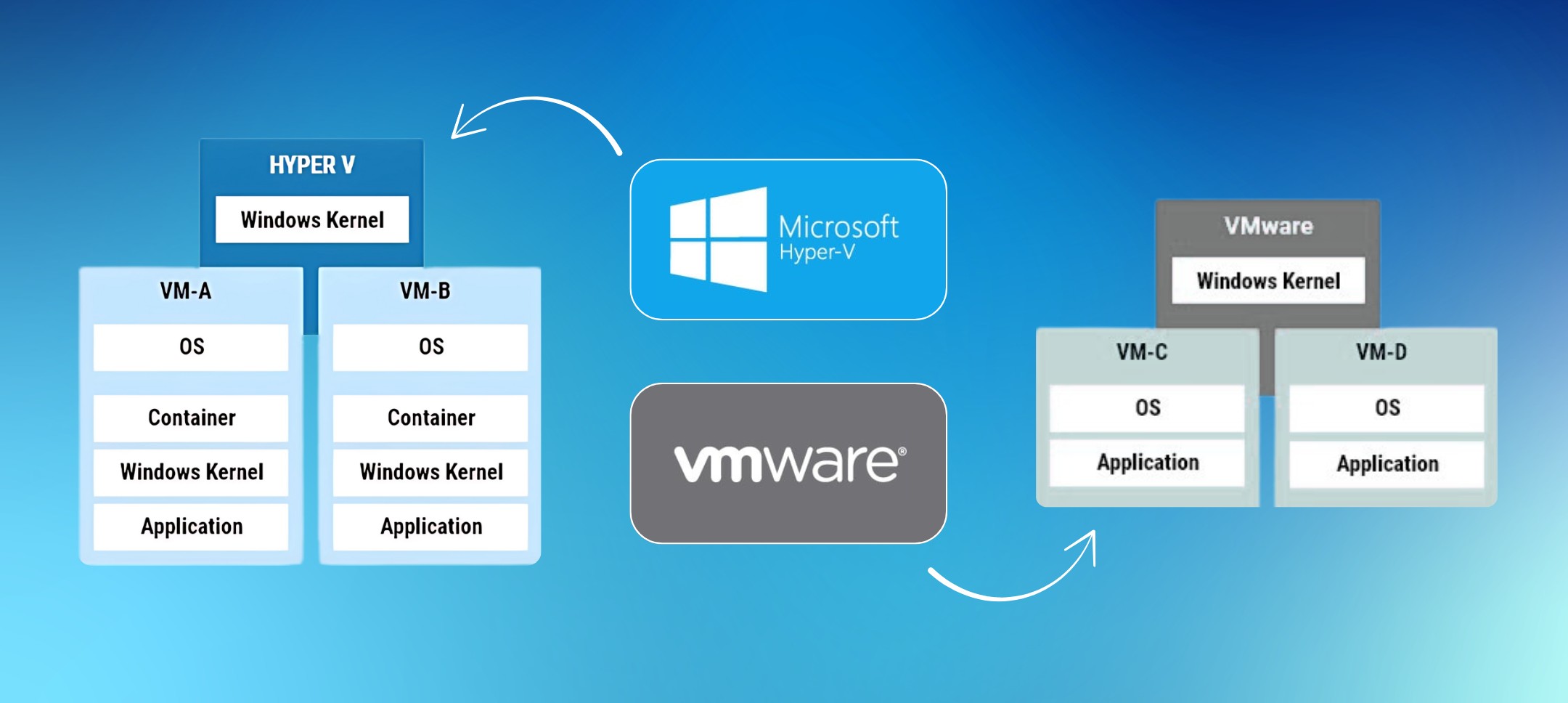
- Hyper-V or VMware integration
- FSLogix for profile management
- Security hardening (NIST compliance)
4. When to Choose Cloud VDI (Azure Virtual Desktop/Windows 365)
✅ Ideal Use Cases
✔ Remote & Hybrid Workforces – Employees can access desktops from any device, anywhere.
✔ Scalability Needs – Quickly add/remove users without buying hardware.
✔ Cost Predictability – Pay-as-you-go pricing vs. large CapEx investments.
⚠ Challenges
- Internet dependency (latency can affect performance)
- Less customization compared to on-premise
- Ongoing subscription costs
☁ How Cambay Solutions Implements Cloud VDI
We optimize Azure Virtual Desktop (AVD) deployments with:
- Auto-scaling to reduce costs
- Conditional Access for security
- Seamless Microsoft 365 integration
5. Key Decision Factors: Which VDI is Right for You?
🔒 Security & Compliance
| Requirement | On-Premise VDI | Cloud VDI |
| Full data control | ✅ Yes | ❌ Limited |
| Microsoft’s compliance certifications | ❌ Self-managed | ✅ Built-in (HIPAA, GDPR) |
Winner:
- On-Premise for highly regulated industries
- Cloud VDI for businesses leveraging Microsoft’s compliance
💰 Cost Comparison
| Cost Type | On-Premise VDI | Cloud VDI |
| Upfront (CapEx) | High ($50k+ servers) | Low ($0 hardware) |
| Ongoing (OpEx) | Maintenance costs | Monthly per-user fees |
Winner:
- Cloud VDI for SMBs with limited budgets
- On-Premise for enterprises with existing infrastructure
⚡ Performance & User Experience
| Factor | On-Premise VDI | Cloud VDI |
| Latency | Low (LAN speeds) | Depends on internet |
| GPU Support | ✅ Full | ✅ (AVD Premium) |
Winner:
- On-Premise for graphic-intensive apps
- Cloud VDI for general office tasks
6. Hybrid Approach: Best of Both Worlds?
Some businesses opt for a hybrid VDI model, combining:
✔ On-premise VDI for sensitive workloads
✔ Cloud VDI for remote employees
Example: A hospital keeps patient records on-premise but uses AVD for admin staff.

7. How Cambay Solutions Helps You Deploy the Right VDI
As a Microsoft Solutions Partner, we provide:
🔹 VDI Assessment – Identify the best fit for your needs
🔹 Seamless Migration – From Citrix/VMware to Microsoft VDI
🔹 Ongoing Optimization – Cost, security, and performance tuning
Book a Free VDI Consultation → Contact Us
Conclusion: Which VDI Wins?
- Choose Windows VDI (On-Premise) if:
- You need full control over data
- Your workloads require high-performance GPUs
- You have existing data center investments
- Choose Cloud VDI (Azure/Windows 365) if:
- You want fast deployment & scalability
- Your workforce is remote/hybrid
- You prefer predictable OpEx costs
Still unsure? Let Cambay Solutions guide you.