


 Microsoft Copilot
12 min
Microsoft Copilot
12 min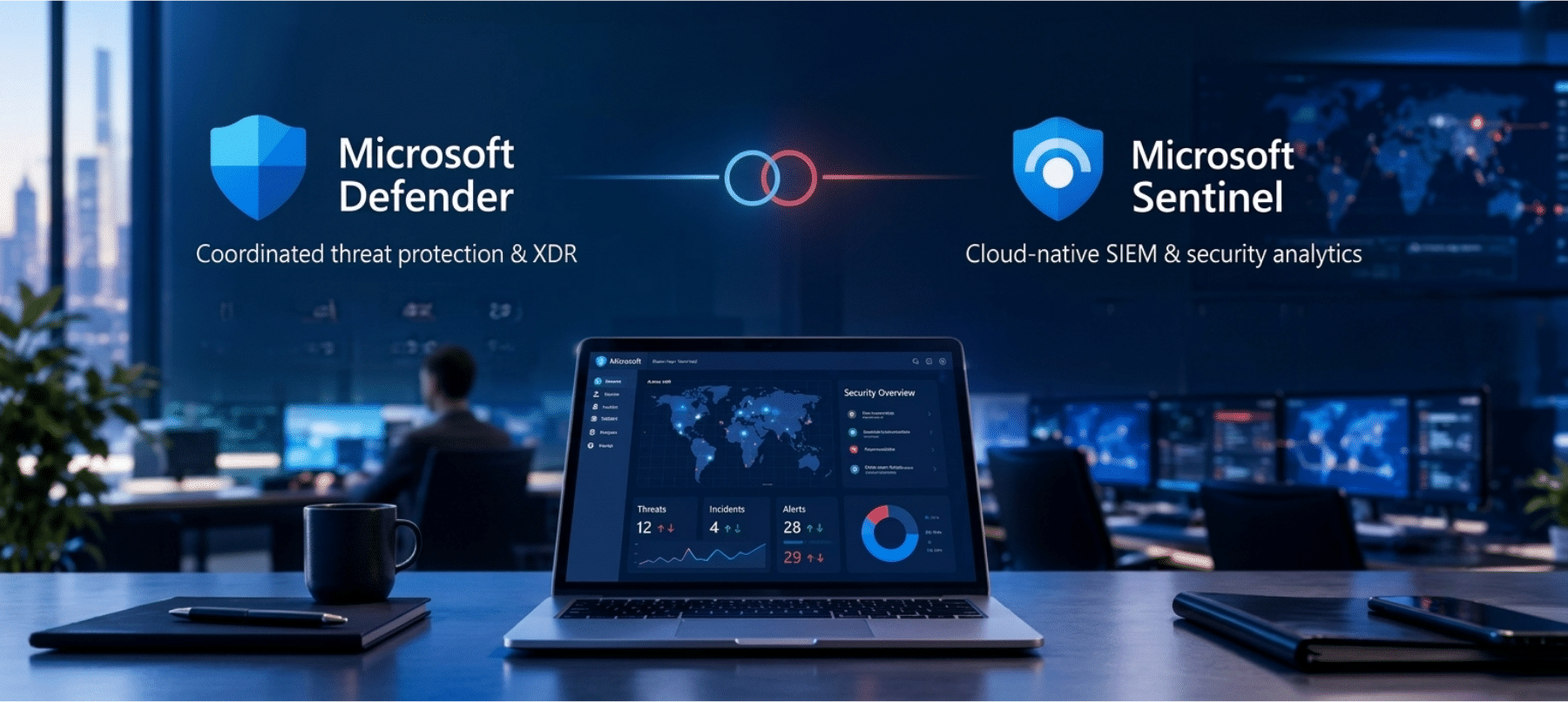
Security teams often compare microsoft defender vs sentinel because both Microsoft security platforms play important roles in protecting organizations, but they solve different problems. Microsoft Defender focuses heavily on protecting devices, identities, applications, email, and other resources from threats. Microsoft Sentinel focuses on security monitoring, threat detection, investigation, and response across a broader technology environment.
Understanding the difference matters because organizations do not necessarily need to choose one over the other. In many Microsoft environments, Defender and Sentinel work together. Defender helps protect individual areas of the environment, while Sentinel can bring security information from different sources into one place for analysis and response.
The right approach depends on the organization’s security architecture, data sources, compliance requirements, security team, and operational goals.
What Is Microsoft Defender?
Microsoft Defender is a family of security products designed to protect different parts of an organization’s technology environment.
Depending on the Microsoft security services being used, Defender capabilities can address endpoints, identities, email, applications, cloud resources, and other areas.
For example, Microsoft Defender for Endpoint helps organizations protect devices and detect suspicious activity. Microsoft Defender for Office 365 helps protect email and collaboration services from threats such as phishing and malicious content. Microsoft Defender for Identity focuses on identity related threats and suspicious activity within identity environments.
These capabilities provide protection closer to the assets being used by employees and applications.
The main idea is prevention and protection combined with detection and response capabilities for specific security domains.
What Is Microsoft Sentinel?
Microsoft Sentinel is a cloud based security information and event management platform with security orchestration capabilities.
It is designed to collect security information from different sources and help security teams detect, investigate, and respond to threats.
A company may have security information coming from Microsoft services, cloud platforms, network devices, applications, identity systems, and other technologies.
Looking at each source independently can make it difficult to understand the full story behind a security incident.
Sentinel can bring information from these different sources into a central security environment. Security teams can then use analytics, alerts, investigations, automation, and threat intelligence to understand suspicious activity.
This makes Sentinel particularly useful for organizations that need a broader security operations view.
Microsoft Defender vs Sentinel: The Core Difference
The simplest way to understand microsoft defender vs sentinel is to think about protection versus centralized security operations.
Microsoft Defender provides security capabilities designed to protect specific areas of an organization’s environment. It can identify threats, block malicious activity, investigate incidents, and provide security recommendations depending on the Defender product involved.
Microsoft Sentinel provides a broader security operations layer. It can collect and analyze security data from multiple sources and help security teams investigate incidents across the environment.
For example, Defender for Endpoint may detect suspicious activity on an employee device. Sentinel can receive that security information along with related identity, cloud, application, and network information.
This broader context can help security analysts understand whether the endpoint event is an isolated problem or part of a larger attack.
What Microsoft Defender Does
Microsoft Defender covers several important security areas.
Endpoint Protection
Endpoints such as laptops, desktops, and servers can become entry points for attackers.
Defender for Endpoint provides capabilities designed to detect suspicious behavior, investigate threats, and protect devices.
Security teams can use endpoint information to understand what happened on a device and determine whether additional investigation is necessary.
Email Protection
Email remains a common route for phishing, malicious attachments, and other attacks.
Defender for Office 365 provides security capabilities for Microsoft email and collaboration environments.
It can help identify suspicious messages and protect users from common email based threats.
Identity Protection
Identity attacks can involve stolen credentials, suspicious sign ins, privilege abuse, or other unusual activity.
Defender capabilities can help organizations detect and investigate identity related threats.
This becomes increasingly important as employees access cloud applications from different devices and locations.
Cloud Security
Organizations increasingly use cloud services for applications, data, infrastructure, and development.
Microsoft Defender for Cloud provides security management and protection capabilities for cloud environments. It can help organizations identify security weaknesses and monitor workloads across supported environments.
Threat Detection and Investigation
Defender products can identify suspicious activity within the areas they protect.
Security teams can investigate alerts and incidents to determine what happened and what actions should be taken.
The specific capabilities vary by Defender product and licensing configuration.
What Microsoft Sentinel Does
Sentinel focuses on security operations rather than protecting one specific asset category.
Security Data Collection
Sentinel can collect information from Microsoft services and many external sources.
This gives security teams a central location for examining security events across their environment.
Security Analytics
Security data can be analyzed to identify suspicious patterns.
Instead of examining thousands of individual events manually, security teams can use analytics and detection rules to identify activity that may require attention.
Threat Detection
Sentinel can help identify potential threats by analyzing data from connected sources.
For example, a suspicious sign in may look less concerning when viewed alone. When combined with unusual endpoint activity and abnormal application behavior, however, it may indicate a larger security incident.
Centralized analysis helps provide this broader context.
Investigation
Security analysts can investigate incidents using information collected from different systems.
They can examine related alerts, users, devices, applications, and other security signals.
This can help analysts understand how an incident developed.
Automation
Security teams can automate selected response activities using automation capabilities.
For example, certain alerts can trigger predefined actions that help contain or investigate an incident.
Automation should be carefully designed because security responses can affect users, systems, and business operations.
How Defender and Sentinel Work Together
Defender and Sentinel are often more effective together than separately.
Consider a phishing attack.
Defender for Office 365 may identify a suspicious email. A user may click a malicious link, creating activity on an endpoint. Defender for Endpoint can detect suspicious behavior on the device.
Identity systems may also record unusual sign in activity.
Sentinel can bring these signals together and help security analysts understand the wider incident.
This creates a security flow where individual Defender products provide protection and detailed security signals while Sentinel provides centralized monitoring and investigation.
The combination can give security teams a stronger view of what is happening across the organization.
Why Organizations Need Both Protection and Monitoring
A security strategy cannot depend only on preventing attacks.
No security system can guarantee that every threat will be blocked.
Organizations therefore need protection capabilities as well as monitoring and response processes.
Defender helps protect assets and detect threats within specific security domains.
Sentinel helps security teams examine activity across multiple systems.
Together, these capabilities support different parts of a broader security strategy.
This approach can also help security teams move from isolated alerts toward a more complete understanding of security incidents.
Which One Should Your Business Use?
The answer depends on what the organization is trying to achieve.
If the immediate requirement is protecting endpoints, email, identities, or cloud workloads, relevant Microsoft Defender products may be the appropriate starting point.
If the organization already has several security products and needs centralized monitoring and investigation, Sentinel may provide greater value.
Larger organizations often need both.
A company with Microsoft 365, Azure, multiple endpoints, cloud applications, identity systems, and third party security tools may benefit from using Defender capabilities alongside Sentinel.
The important point is to evaluate the complete security environment instead of selecting a platform based only on product names.
Microsoft Defender and Sentinel for Security Operations
Security operations teams often receive large numbers of alerts.
Without proper prioritization, analysts can spend considerable time investigating events that do not represent serious threats.
Defender provides detailed security information from the areas it protects.
Sentinel can help combine information and provide a wider operational view.
Security teams can create detection rules, investigate incidents, review threat intelligence, and automate selected responses.
This can help analysts focus their attention on events that require human investigation.
How They Support Incident Response
Incident response involves more than identifying a security alert.
Security teams need to understand what happened, determine which systems are affected, contain the threat, remove the cause, and recover affected resources.
Defender products can provide detailed information about affected devices, identities, email, or cloud resources.
Sentinel can provide broader incident context by connecting information from multiple sources.
For example, a security analyst investigating a compromised account may need to review sign in activity, endpoint behavior, email activity, cloud access, and application events.
A centralized security operations platform can make this investigation easier to coordinate.
Data and Visibility Considerations
Security platforms are only as useful as the information they can access.
Organizations should identify which systems generate important security events and determine whether those events need to be connected to Sentinel.
They should also review which Defender products are protecting their assets.
A good security architecture should answer several questions:
- Which assets need protection?
- Which security events need monitoring?
- Which systems generate important alerts?
- Which data should be retained?
- Who investigates incidents?
- Which responses can be automated?
- Which compliance requirements apply?
Answering these questions helps organizations build a security strategy around actual requirements.
Cost and Licensing Considerations
Cost is another factor when planning Microsoft security services.
Microsoft Defender and Sentinel have different licensing and consumption considerations. The total cost can depend on which Defender products are used, how much security data is collected, how long information is retained, and which Sentinel capabilities are enabled.
Organizations should therefore evaluate expected security data volume and operational requirements before making decisions.
The lowest initial cost is not always the most appropriate option. A platform that cannot provide the required visibility may create additional operational problems later.
Likewise, collecting excessive data without a clear security purpose can increase costs without delivering proportional value.
Common Mistakes to Avoid
Organizations can make several mistakes when implementing Microsoft security technologies.
One common mistake is treating security products as isolated tools.
A security platform should be part of a broader security operating model that includes people, processes, technology, and governance.
Another mistake is collecting large amounts of security data without defining what the security team actually needs to detect.
Poor alert management can also create unnecessary workload.
Organizations should establish clear detection priorities and determine which incidents require immediate attention.
Finally, automation should be introduced carefully. Automated actions should be tested and reviewed before they are allowed to affect critical business systems.
Building a Microsoft Security Strategy
A practical Microsoft security strategy can start with the organization’s most important assets.
Identify users, devices, applications, cloud workloads, data, and business services that require protection.
Next, determine which Defender capabilities are relevant.
After establishing protection, assess whether the organization needs centralized security monitoring through Sentinel.
Then define security operations processes.
This includes determining who receives alerts, who investigates incidents, how incidents are escalated, and which responses can be automated.
Regular security reviews can help organizations adjust the strategy as the technology environment changes.
Microsoft Defender vs Sentinel: Choosing the Right Approach
When comparing microsoft defender vs sentinel it is important to remember that they are not direct replacements for one another.
Defender is primarily a collection of security products that protect different areas of the Microsoft environment.
Sentinel is a security operations platform that collects and analyzes information from many sources.
For many organizations, the question is not whether to use Defender or Sentinel. The better question is how the two can work together to provide protection, visibility, investigation, and response.
A business with a strong Microsoft environment may use Defender capabilities to protect endpoints, email, identities, and cloud workloads while using Sentinel to bring security information together for centralized monitoring.
Frequently Asked Questions
Is Microsoft Defender the same as Microsoft Sentinel?
No. Microsoft Defender is a family of security products focused on protecting areas such as endpoints, identities, email, applications, and cloud resources. Microsoft Sentinel focuses on security information collection, detection, investigation, and response across multiple sources.
What is the main difference between Defender and Sentinel?
Defender provides protection and security capabilities for specific areas of the technology environment. Sentinel provides a centralized security operations platform for collecting and analyzing security information from different sources.
Can Microsoft Defender and Sentinel work together?
Yes. Defender products can generate security alerts and information that Sentinel can use for broader monitoring and investigation.
Do small businesses need Microsoft Sentinel?
Not every small business needs Sentinel. The decision depends on the organization’s security requirements, number of systems, security data volume, compliance needs, and internal security operations capabilities.
Does Microsoft Sentinel replace antivirus software?
No. Sentinel is not an antivirus product. Endpoint protection is handled by appropriate endpoint security solutions such as Microsoft Defender for Endpoint.
Is Sentinel only for Microsoft environments?
No. Sentinel can connect with various security and technology sources beyond Microsoft services. This can make it useful for organizations with mixed technology environments.
Which should be implemented first, Defender or Sentinel?
For many organizations, protecting important assets should come first. Relevant Defender capabilities can establish protection across endpoints, identities, email, and cloud workloads. Sentinel can then provide broader security monitoring when the organization needs centralized security operations.
Can Sentinel automate security responses?
Yes. Sentinel supports automation capabilities that can be used for selected security response processes. Automation should be carefully designed, tested, and monitored before being applied to important systems.
Cambay Solutions and Microsoft Security
Cambay Solutions supports organizations working with Microsoft technologies across security, Azure, Microsoft 365, Dynamics 365, AI, data and analytics, Power Platform, and managed services.
For organizations evaluating Microsoft Defender and Sentinel, the first step should be understanding the existing security environment. This includes identifying endpoints, identities, cloud resources, applications, data sources, security alerts, compliance requirements, and incident response processes.
A well-planned Microsoft security strategy can combine protection and centralized monitoring rather than treating them as separate activities. Defender capabilities can help protect important resources, while Sentinel can provide a broader security operations view when multiple data sources need to be monitored together.
Cambay Solutions can help organizations assess Microsoft security requirements, plan appropriate security services, improve visibility, and align security technology with business and operational needs.
The goal should be more than adding another security product. A stronger approach connects security technology with clear processes, appropriate access controls, trained security teams, monitoring, and a defined response strategy.