

 Microsoft Security & Compliance
13 min
Microsoft Security & Compliance
13 min

Almost since its inception, SharePoint has offered a number of ways to automate things. Two big ones have been Alerts and Workflows. Unfortunately, as they say, all good things must come to an end, and these two are now on their final approach to that big bit-bucket in the sky.
You need to act soon to prepare your users. While there are new and improved alternatives, there is no automatic transition to replace these features.
Note: This article applies to Workflows and Alerts for SharePoint in Microsoft 365. On-premises editions of SharePoint have their own support schedules.
2013 Workflows: Going, going…
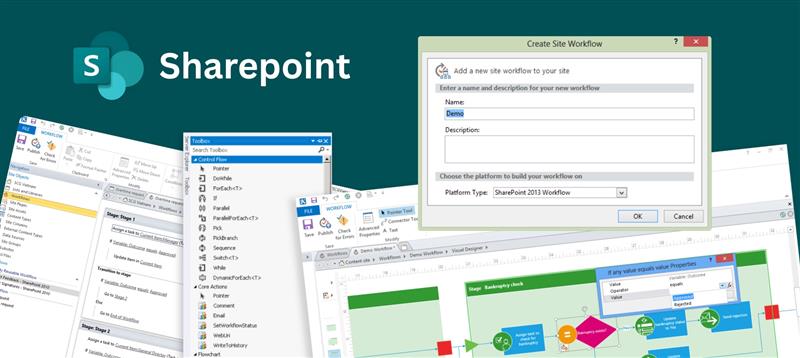
Microsoft has been phasing out classic workflows for years. Stock workflows included document approval and routing processes, SharePoint page publication and lifecycle, and more. You could take them even further by leveraging the Workflow Designers in Microsoft SharePoint Designer, Visual Studio, or even third-party extensions such as Nintex.
SharePoint 2010 engine workflows were taken out of SharePoint Online in 2020, leaving the SharePoint 2013 workflow engine to soldier on. In April of 2024, the 2013 workflow engine was not provisioned for any new Microsoft 365 tenants. If your tenant is newer than that, you never had the opportunity to create a 2013 workflow.
On April 2nd of 2026, the 2013 workflow engine will be fully retired, and removed from all remaining tenants. Any existing engine workflows – whether built-in, SharePoint Designer, or third party – will no longer run, and there is no option to extend support.
What to do?
For simple approvals, the classic non-workflow based approval setting in Lists and libraries is an option. You’ll find this in the Versioning Settings section of the full (“More”) list or library settings page.
If your needs are more involved, Microsoft has been building and improving a more expansive workflow engine – Power Automate (formerly Flow). Power Automate allows users to create workflow processes that work with not only SharePoint but extend into all of Microsoft 365, and beyond.
Microsoft offers literally dozens of Workflow templates for Power Automate, and also lets you create your own from scratch.
SharePoint 2013 workflow retirement – Microsoft Support
Alerts go dark in July
Alerts predate even the classic workflow engine. They are a dead-simple way of letting people know about changes in a list or document library. A prominent “Alert Me” button in the toolbar gave users the option to subscribe to different kinds of changes. Once configured, an Alert used to be permanent until deleted by the user or an admin.

Starting in October of 2025, Microsoft began setting Alerts to expire 30 days after creation and gave users the option to renew them. All alert emails have contained a notice of the feature’s impending removal.
Starting in January 2026, Microsoft began disabling the ability to create new alerts, but renewals are still permitted.
Beginning in July of 2026, no further renewals will be allowed, and existing alerts will cease to function.
What to do?
There are two options: SharePoint rules or Power Automate. Rules are quick tasks that are built into the SharePoint UX for lists and libraries. They are most similar to classic alerts in user experience, but leverage the Power Automate engine behind the scenes.
For more advanced usage, Power Automate also offers quick creation options to replicate the features from an alert, but can also do much more as described in the workflow section.
SharePoint Alerts retirement – Microsoft Support
Cambay Can Help
Don’t let your business come to a halt when these features retire. The team at Cambay Solutions specializes in assessing Microsoft environments to identify expiring workflows and alerts before they cause disruption. We will help you design and implement modern, sustainable replacements using Power Automate and SharePoint Rules, ensuring your business processes remain efficient and automated.
Ready to secure your automation future?
Email Us to Get Started: For a direct conversation about identifying and remediating your at-risk items, click the link below. This will open a pre-addressed email to help you get the process started quickly.
Contact Our Sales Team (sales@cambaysolutions.com)
Visit Our Website: Learn more about our Microsoft Solutions and how we can support your digital transformation journey. Visit – www.cambaysolutions.com