


 Microsoft Security & Compliance
13 min
Microsoft Security & Compliance
13 min

Getting started with Business Intelligence (BI) and analytics can often feel overwhelming. In today’s fast-paced business environment, the ability to respond quickly to shifting trends, anticipate risks, and make informed decisions is no longer optional – it’s essential. But without the right data infrastructure, it’s simply not possible.
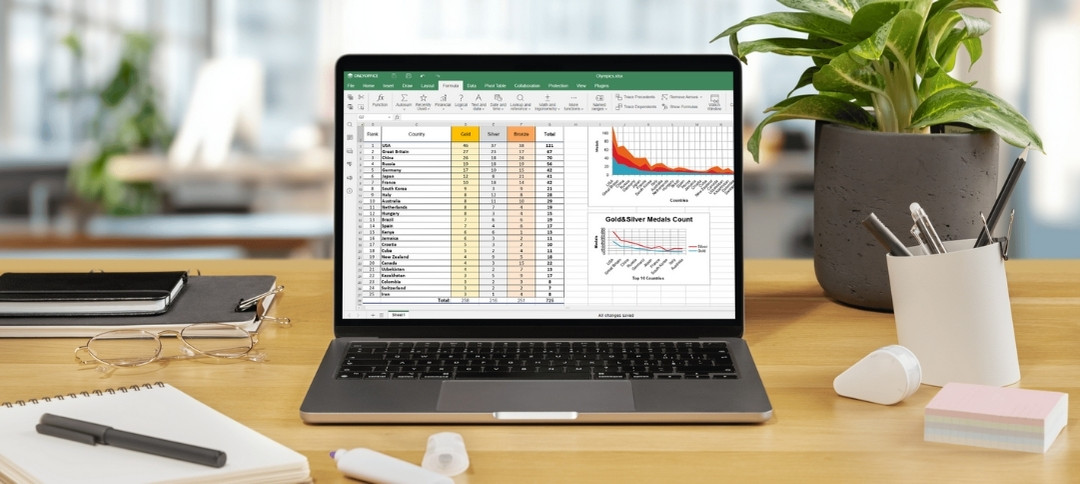
Why Excel Isn’t Enough Anymore
For many organizations, Excel remains the default tool for data analysis. It’s familiar, flexible, and widely used. But despite its strengths, Excel has significant limitations when it comes to scalable, reliable Business Intelligence.
How many times have you been in a meeting where everyone shows up with a different version of “the numbers”? This inconsistency isn’t just frustrating – it can be dangerous for decision-making. Excel is great for ad hoc analysis but lacks the structure needed for consistent, model-driven insights.
Introducing the Cambay Power BI Quick Start
That’s where Cambay Solutions comes in. We’re excited to introduce our Power BI Quick Start – a fast, efficient way for your organization to dip its toes into the world of modern Business Intelligence.
The Quick Start is designed to help you test the waters of BI without a long-term commitment or overwhelming complexity. Here’s how it works:
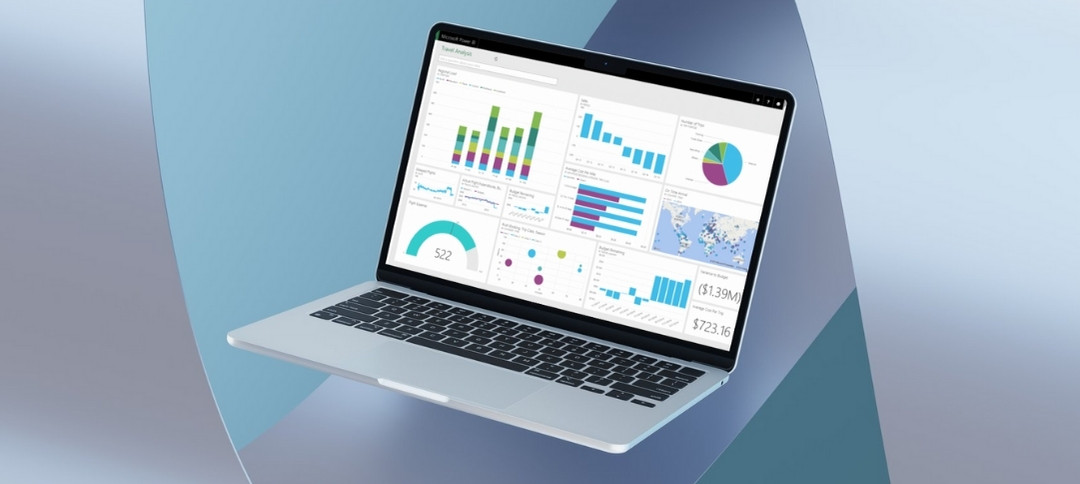
- You provide the data: We start with an Excel spreadsheet of your choosing. Don’t worry – we’ll even provide a simple template to help you organize your data effectively.
- We build your report: Working with your spreadsheet, we’ll create a sleek, customized Power BI report—complete with three to four analysis tabs—that highlights the power of modern analytics.
- We keep it simple: This is not a comprehensive, enterprise-scale data modeling project. There’s a time and place for that, but this isn’t it. Instead, we focus on delivering quick wins and instant insights.
- You see real results: We’ll publish your report to the Power BI service and give you full access so you can explore its features and start discovering the value it brings.
What You’ll Get
By the end of the two-to-three-week engagement, you’ll walk away with:
- A visually engaging Power BI report that unlocks the potential of your existing Excel data
- A firsthand experience of Power BI and Microsoft Fabric’s capabilities
- A clearer understanding of how data can drive your business forward
All of this comes at a low, fixed price – as long as you’re willing to work within the predefined scope. If you find that you want to go further – adding new features, incorporating more data, or building more complex models – we’re happy to support your organization in whatever you need.
Ready to Get Started?
Our Power BI Quick Start is the perfect way to experience the transformative potential of Business Intelligence – quickly, affordably, and with minimal disruption.
📅 Schedule a walkthrough and demo today and let’s bring your data to life.