

 Dynamics 365 F&SCM
13 min
Dynamics 365 F&SCM
13 min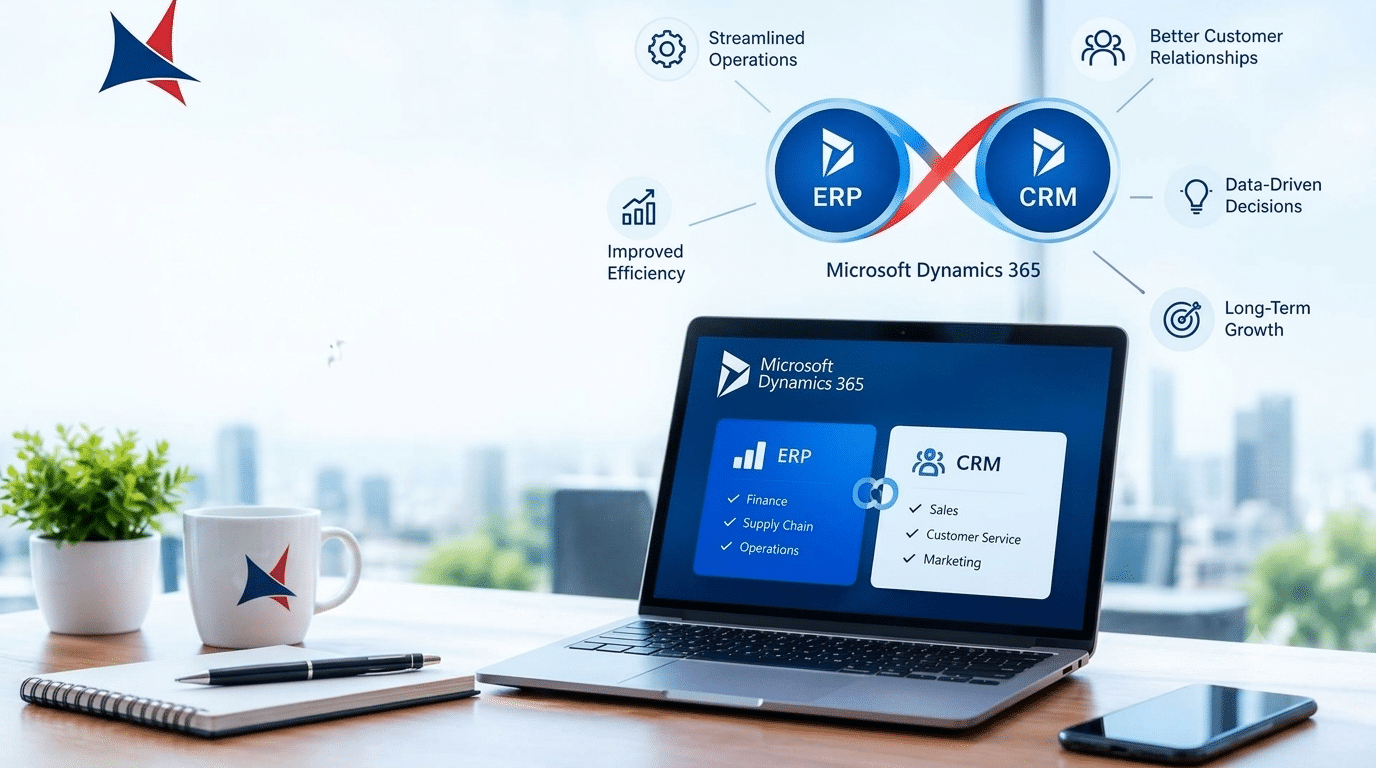
Businesses often struggle with disconnected systems that make it difficult for teams to access the information they need. ERP and CRM integration brings financial, operational, sales, and customer information closer together, giving employees a more connected view of the business. Microsoft Dynamics 365 provides a platform where organizations can connect core business applications and create smoother information flow between departments.
When ERP and CRM systems operate separately, employees may spend significant time moving information between applications, checking multiple records, and resolving data inconsistencies. A unified Dynamics 365 environment can reduce these problems by connecting business processes and giving teams access to relevant information within a shared technology environment.
The goal is not simply to connect two applications. It is to create a better way for people, processes, and data to work together.
Why Businesses Keep ERP and CRM Connected
ERP systems generally focus on internal business operations such as finance, inventory, procurement, supply chain, and resource planning. CRM systems focus more heavily on customers, sales, service, marketing, and relationship management.
Although these functions have different purposes, they depend on many of the same business records.
A salesperson may need to know whether a product is available before making a commitment to a customer. A customer service representative may need information about an order before responding to a complaint. Finance teams may need customer and sales information when reviewing payments and revenue.
When these systems are disconnected, employees may have to request information from another department or manually check another application.
Connecting the systems allows information to move between relevant processes more efficiently.
What ERP and CRM Integration Means
ERP and CRM integration means connecting enterprise resource planning and customer relationship management processes so that information can be shared between them.
In a Dynamics 365 environment, this can involve business applications that support areas such as finance, supply chain, sales, customer service, and operations.
For example, a customer record can connect with sales activity, orders, invoices, service cases, and other relevant business information. Employees can then work with a more complete view of the customer and the organization.
The exact integration model depends on the applications involved, business requirements, data architecture, security rules, and existing systems.
A successful integration should make business processes easier to manage rather than simply creating another technical connection.
How Dynamics 365 Supports a Unified Business Environment
Microsoft Dynamics 365 includes applications designed for different business functions while supporting connected business processes.
An organization may use Dynamics 365 Sales for sales management, Dynamics 365 Customer Service for customer support, and Dynamics 365 Finance or Business Central for financial operations.
When these applications are properly configured and connected, information can flow between processes.
Consider a typical sales process. A representative creates an opportunity, works with the customer, prepares an order, and moves the transaction toward completion. Once the customer places an order, finance and operations teams need access to relevant information.
Without integration, the sales team may need to send details manually. With connected applications, the information can move through the appropriate business process with fewer manual steps.
This creates a more connected experience for both employees and customers.
Better Visibility Across the Business
One of the biggest benefits of connecting ERP and CRM information is improved visibility.
Executives and managers often need information from multiple departments to understand business performance. Sales figures alone do not tell the entire story. Leaders may also need to understand inventory, outstanding payments, customer service activity, purchasing, and operational capacity.
A connected platform can bring these areas closer together.
For example, a sales manager can compare pipeline information with operational capacity. A finance manager can examine sales activity alongside revenue information. A customer service manager can understand customer issues in relation to orders and account history.
This broader view can support better planning and reduce dependence on manually prepared reports.
Improved Customer Experience
Customers generally expect businesses to understand their history.
They do not want to repeatedly explain the same issue to different employees. They may also expect sales, finance, and service teams to have access to consistent information.
A unified Dynamics 365 environment can help create a more connected customer experience.
A service representative can potentially access relevant account information, previous interactions, orders, and cases from connected systems. A sales representative can better understand the customer relationship before making a proposal.
This allows employees to have more informed conversations.
The result is not simply faster service. It can also create greater consistency across customer interactions.
Fewer Duplicate Data Entry Tasks
Manual data entry creates additional work and increases the possibility of mistakes.
When information is entered into multiple systems, employees may accidentally use different formats, miss important fields, or enter outdated information.
ERP and CRM integration can reduce the need to enter the same information repeatedly.
For example, customer information captured during a sales process can become available to other business processes without requiring employees to recreate the record manually.
Reducing duplicate entry can save time and allow employees to focus on tasks that require more attention.
Better Sales and Finance Coordination
Sales and finance teams often have different priorities, but their work is closely connected.
Sales teams focus on opportunities, customers, orders, and revenue generation. Finance teams focus on payments, invoices, financial reporting, and cash flow.
When these areas operate separately, disagreements about customer information or transaction status can occur.
A connected environment gives both teams access to more consistent information.
Sales representatives can have greater awareness of customer account details, while finance teams can better understand the transactions behind sales activity.
This can make internal communication easier and reduce delays during order and payment processes.
Stronger Inventory and Sales Planning
Sales commitments can have a direct effect on inventory and operations.
If sales teams do not have visibility into product availability, they may make commitments that create operational challenges.
Connecting CRM and ERP information can help sales teams understand inventory and fulfillment conditions more clearly.
Operations teams can also gain greater awareness of sales demand.
For example, if a particular product is receiving increased customer interest, sales and operations teams can use shared information to discuss inventory planning and purchasing requirements.
This connection between customer demand and operational planning can support more informed decisions.
More Reliable Business Reporting
Business reporting becomes difficult when information is stored across disconnected systems.
Employees may spend hours exporting information, cleaning spreadsheets, matching records, and preparing reports.
A unified Dynamics 365 environment can reduce some of this manual reporting effort by bringing business information into a more connected environment.
Managers can analyze sales, financial, operational, and customer information together.
This can help organizations identify relationships that may not be obvious when data is viewed separately.
For example, declining sales in one region may become more understandable when managers compare sales data with customer service activity, inventory availability, and payment trends.
Supporting Data Driven Decisions
Good decisions depend on relevant information.
When business data is scattered across systems, decision makers may rely on incomplete reports or outdated information.
Connected ERP and CRM information can give managers more context.
A business leader evaluating a major customer relationship may want to understand revenue, open opportunities, outstanding payments, service cases, purchasing activity, and recent interactions.
Bringing these details together makes the decision process more informed.
Data does not automatically produce good decisions, but connected data can provide a stronger foundation for business judgment.
Reducing Operational Delays
Disconnected applications can create bottlenecks.
A sales representative may be waiting for finance to confirm account information. Customer service may be waiting for order details. Operations may need sales forecasts before making purchasing decisions.
These delays can affect internal productivity and customer experience.
Connecting business applications can reduce unnecessary handoffs.
Employees can access relevant information within their permitted systems rather than repeatedly requesting information from other teams.
The improvement may be small for an individual task, but repeated across hundreds or thousands of transactions, the overall impact can become significant.
Supporting Business Growth
As organizations grow, disconnected systems can become increasingly difficult to manage.
More customers mean more records. More products create additional inventory information. More employees generate additional transactions and customer interactions.
A unified platform can provide a more structured environment for managing these growing business requirements.
Organizations can also introduce additional Dynamics 365 applications as their needs change.
For example, a business may begin with finance and sales capabilities and later add customer service, supply chain, marketing, or other applications.
The technology strategy can therefore grow alongside business requirements.
Security and Access Control
Connecting systems does not mean that every employee should have access to every record.
Security remains an important part of any integration strategy.
Organizations should determine which users need access to customer information, financial records, sales information, inventory data, and other sensitive business information.
Role based permissions can help limit access according to job responsibilities.
Security policies should be considered before integration is implemented rather than added after the system is already connected.
Organizations should also review how information moves between applications and how access is monitored.
Common Challenges With ERP and CRM Integration
Integration can deliver strong benefits, but organizations should plan carefully.
One challenge is inconsistent data. Customer names, addresses, product codes, and account records may exist in different formats across systems.
Another challenge is unclear ownership. Teams need to understand which system should be considered the primary source for specific information.
Integration complexity can also increase when organizations operate several legacy applications.
Employee adoption is another factor. Even technically successful integrations may not deliver their full value if employees do not understand how processes have changed.
Organizations should therefore combine technical planning with process design and employee training.
How to Plan an ERP and CRM Integration
A successful integration should begin with business requirements rather than technology alone.
Start by identifying the processes that need to connect. Map how information currently moves between departments and applications.
Next, identify the data that needs to be shared.
This may include:
- Customer records
- Products and pricing
- Sales opportunities
- Orders
- Invoices
- Payments
- Inventory information
- Service cases
- Account information
After identifying the data, determine security requirements and ownership.
Then define how information should move between systems and what should happen when errors occur.
Testing should take place before the integration is released across the organization.
Employees should also receive training so they understand what has changed and how to use the connected environment effectively.
Measuring the Results
Organizations should establish measurements before launching an integration project.
Possible measurements include:
- Reduction in duplicate data entry
- Faster order processing
- Reduced reporting time
- Improved customer response time
- Fewer data inconsistencies
- Faster communication between departments
- Improved visibility into sales and finance
- Higher employee adoption
The right measurements depend on the organization and the processes being connected.
For example, a company focused on customer service may prioritize response time and case resolution, while a manufacturing company may focus more heavily on order processing and inventory visibility.
When ERP and CRM Integration Makes the Most Sense
Integration can be particularly valuable when multiple departments depend on shared customer and transaction information.
It can be useful for businesses experiencing rapid growth, organizations working across several departments, companies with significant manual data entry, and businesses that rely heavily on spreadsheets to move information between teams.
It can also make sense when customer experience is being affected by disconnected processes.
Before starting, however, businesses should evaluate their current applications, data quality, integration requirements, security needs, and future technology plans.
Frequently Asked Questions
What is ERP and CRM integration?
ERP and CRM integration connects enterprise resource planning and customer relationship management processes so that relevant information can move between business functions. It can reduce duplicate data entry and give employees better access to connected customer and operational information.
Why integrate ERP and CRM systems?
The main benefits include better visibility, improved collaboration, reduced manual data entry, stronger customer experiences, faster reporting, and more informed business decisions.
Can Dynamics 365 connect ERP and CRM processes?
Yes. Dynamics 365 provides applications that support ERP and CRM functions and can be configured to support connected business processes.
Does integration eliminate manual data entry?
It can reduce repetitive data entry when information is automatically shared between connected systems. However, some manual activities may still be required for validation, exceptions, and business specific processes.
Is ERP and CRM integration suitable for small businesses?
Yes. Smaller businesses can start with a limited number of processes and expand integration as their requirements grow. Starting with high value processes can make the project easier to manage.
How long does ERP and CRM integration take?
The timeline depends on the applications involved, data quality, integration complexity, customization, security requirements, and testing needs. A focused integration can take less time than a project involving several legacy applications and complex business processes.
What should businesses check before integrating ERP and CRM?
Businesses should review data quality, application architecture, security permissions, process ownership, integration requirements, reporting needs, and employee workflows before beginning the project.
Cambay Solutions and Dynamics 365 Integration
Cambay Solutions supports organizations working with Microsoft technologies across Dynamics 365, Azure, Microsoft 365, AI, Power Platform, data and analytics, security, and managed services.
For organizations considering ERP and CRM integration, the focus should begin with business processes rather than simply connecting applications. Understanding how sales, finance, customer service, operations, inventory, and other departments exchange information can help identify where integration can provide meaningful value.
A practical integration strategy can include reviewing the existing Dynamics 365 environment, identifying disconnected processes, assessing data quality, defining security requirements, and determining which information needs to move between ERP and CRM applications.
Cambay Solutions can also support organizations that want to connect Dynamics 365 with broader Microsoft technology services. This can help businesses build a more connected environment for customer management, financial operations, data analysis, AI, cloud services, and workplace productivity.
The strongest integration strategy is one that improves real business processes while keeping security, data quality, employee adoption, and future requirements in view.